The DM Play app is not in the Google Play Store. You get it as an APK file from the official DM Play site, or you skip the APK completely and use the “Add to Desktop” shortcut. Both give you the same lobby, wallet and games as the browser version. This post covers both, plus the install errors people usually hit.
APK or Add to Desktop?
| Feature | Android APK | Add to Desktop |
|---|---|---|
| Works on | Android | Android and iPhone |
| Install needed | Yes, from outside the Play Store | No, it is a home-screen shortcut |
| Storage used | A small app install | Almost none |
| Updates | Download a newer APK when asked | Always loads the current site |
| Extra | DM Play lists a small app download reward in Activity | The home screen pop-up mentions a top-up reward |
If you only play now and then, Add to Desktop is the lighter option. If you play daily on Android, the APK opens a little faster.
How to Download the DM Play APK
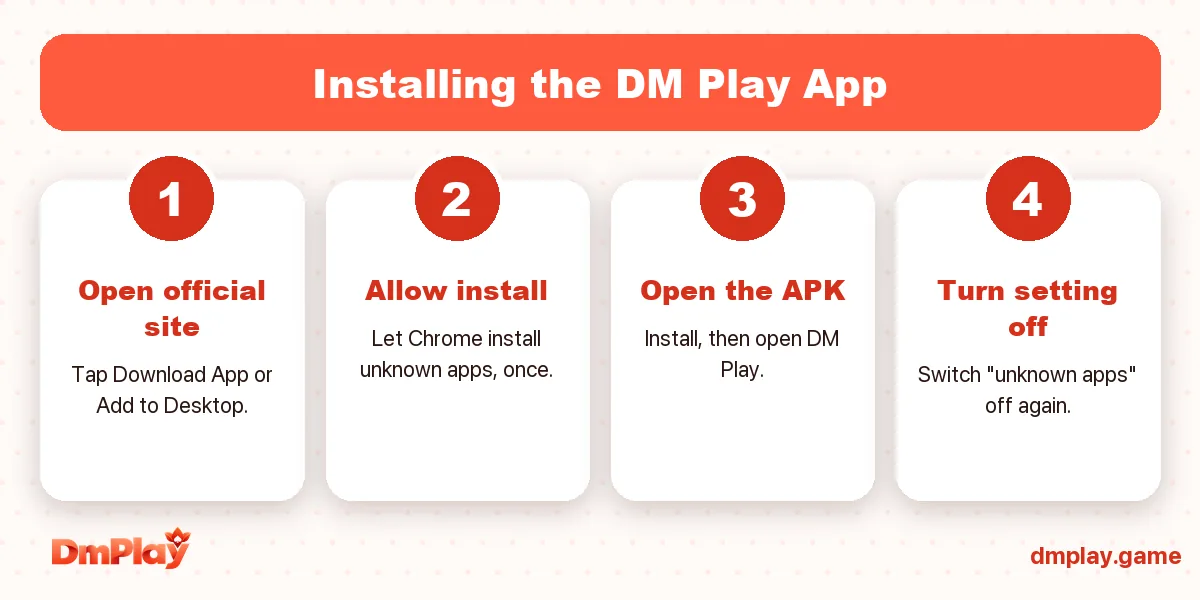
- Open the official DM Play site in Chrome. See DM Play Official Website if you are not sure which link is real.
- Tap the Download or Download App option.
- Chrome may warn that “this type of file can harm your device”. That warning appears for every APK. Tap Download anyway only if you are sure the link is official.
- Wait for the download to finish fully before opening it.
How to Install It
- Open the downloaded file from the notification or from Files → Downloads.
- Android will say installing from this source is not allowed. Tap Settings and turn on Allow from this source for Chrome.
- Go back and tap Install.
- Once it is installed, open DM Play and log in.
- Go back to settings and turn Allow from this source off again. You only needed it for this one install.
How to Add DM Play to Your Home Screen
- On Android (Chrome): use the “Add to Desktop” pop-up on the DM Play home screen, or open Chrome’s ⋮ menu and choose Add to Home screen.
- On iPhone (Safari): tap the Share button, then Add to Home Screen.
A DM Play icon appears on your home screen and opens the site full-screen.
What You Get in the App
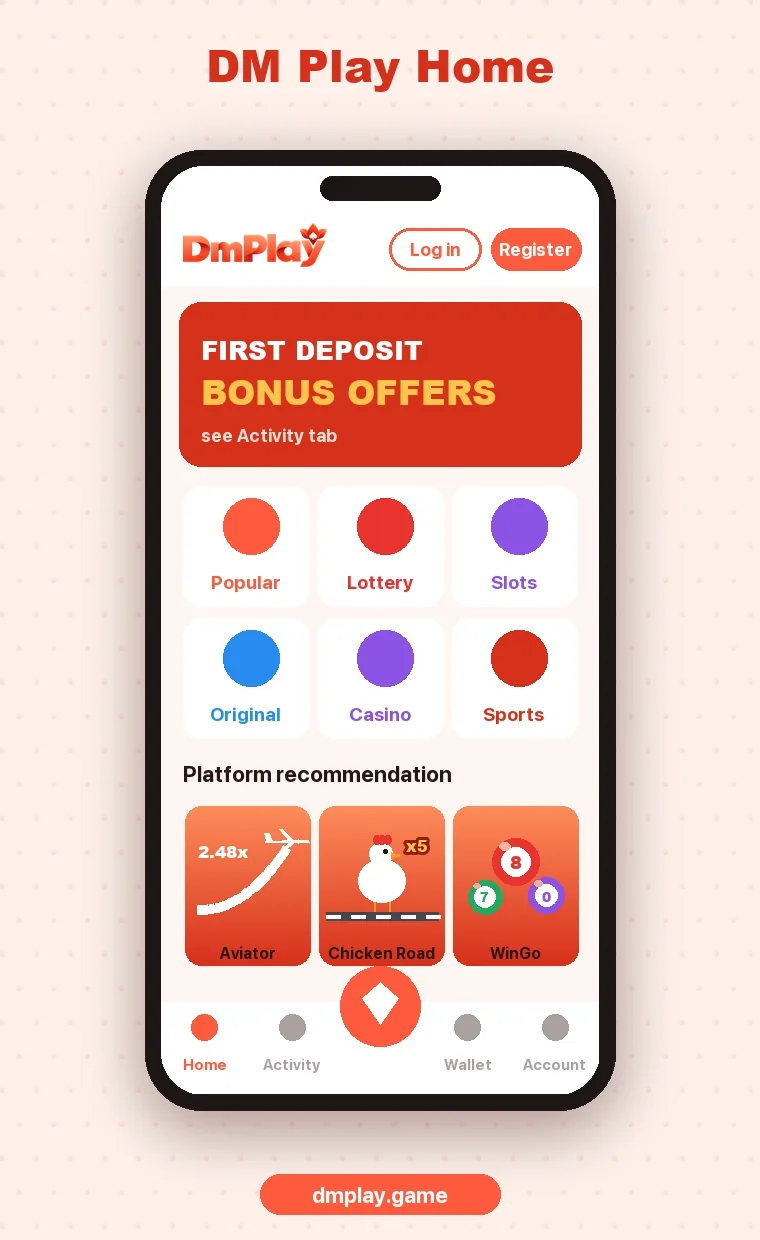
- The full Lottery section: WinGo, K3, 5D, Trx WinGo, Moto Racing
- Aviator, Chicken Road 2, slots, casino, sports and fishing games
- Wallet with deposit, withdraw and full history
- Activity tab with offers, check-in and gift codes
- Customer Service chat
There are no extra games in the app compared to the browser. The difference is just convenience.
Install Errors and Quick Fixes
| Error | Quick fix |
|---|---|
| “App not installed” | Uninstall any older DM Play app first, then install again |
| “Problem parsing the package” | The download is incomplete. Delete it and download again on a stable connection |
| Blocked by Play Protect | Play Protect flags most APKs from outside the Play Store. Only continue if the file came from the official site |
| Not enough storage | Free up some space, then try again |
The full list is in DM Play app not installing? Fixes that work.
Keep It Safe
- Download only from the official site or from inside DM Play.
- Never install a “modded”, “hack” or “predictor” version of the DM Play app.
- Do not give the app permissions it does not need. A gaming app has no reason to read your SMS.
- Lock your phone. Anyone with your unlocked phone can open the app.
FAQ
Is the DM Play app free?
Yes. Downloading and installing the app costs nothing.
Is there a DM Play app for iPhone?
There is no iOS APK, but you can add DM Play to your iPhone home screen from Safari, and it works like an app.
Do I need a new account for the app?
No. Log in with the same phone number or email and password you use in the browser.
How do I update the DM Play app?
When a new version is needed, the app or site will ask you to download it. Install it over the old one.